


Test the AI prompting skills of your candidates
Assess how candidates use AI in real-world coding workflows. AI Assist is a collaborative AI coding agent built right into the interview room.
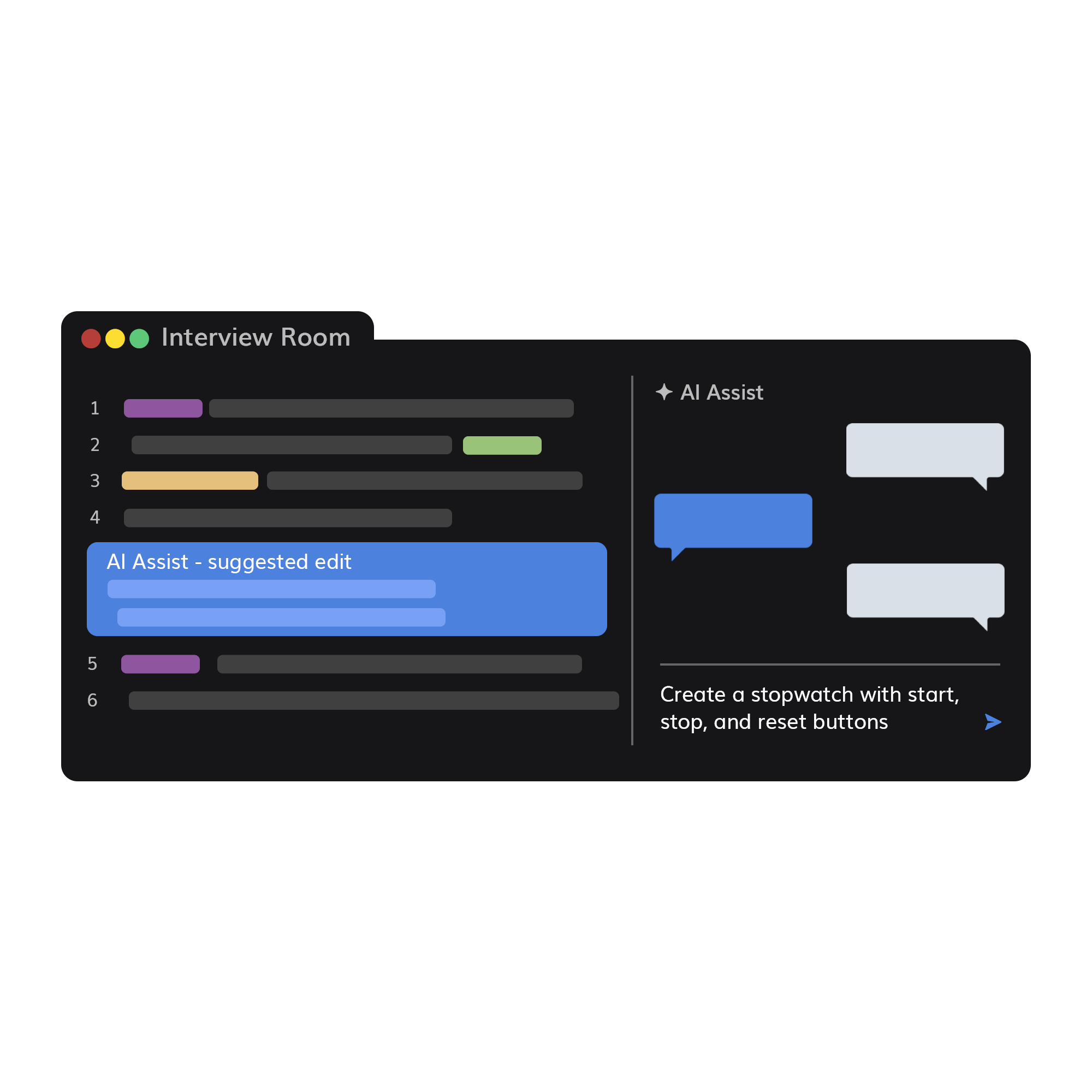
Assess how candidates use AI in real-world coding workflows. AI Assist is a collaborative AI coding agent built right into the interview room.






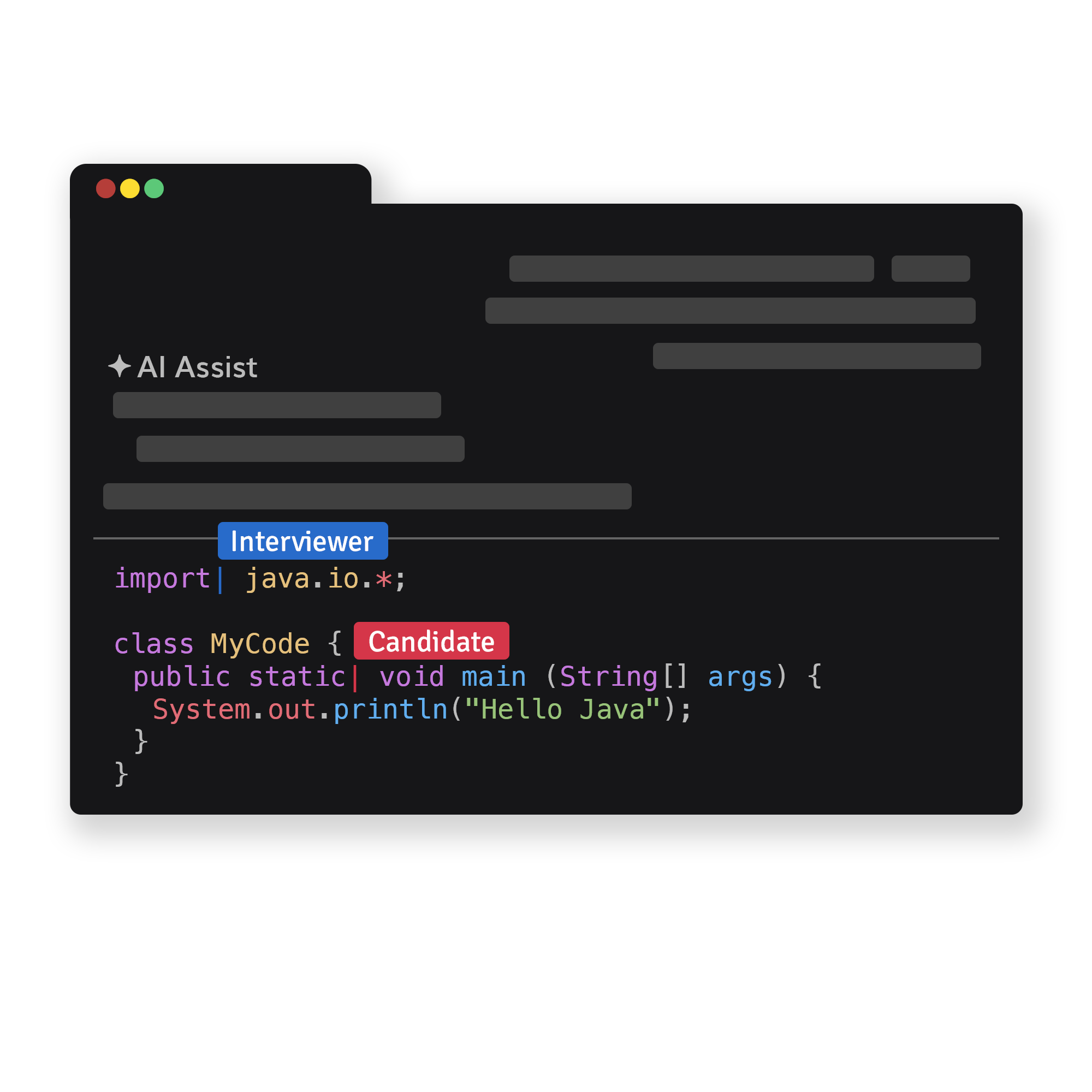
See in real time what your candidate prompts and how they evaluate the AI-suggested solutions. Both interviewer and candidate share the same prompt box, so you can discuss approaches and critique answers together.
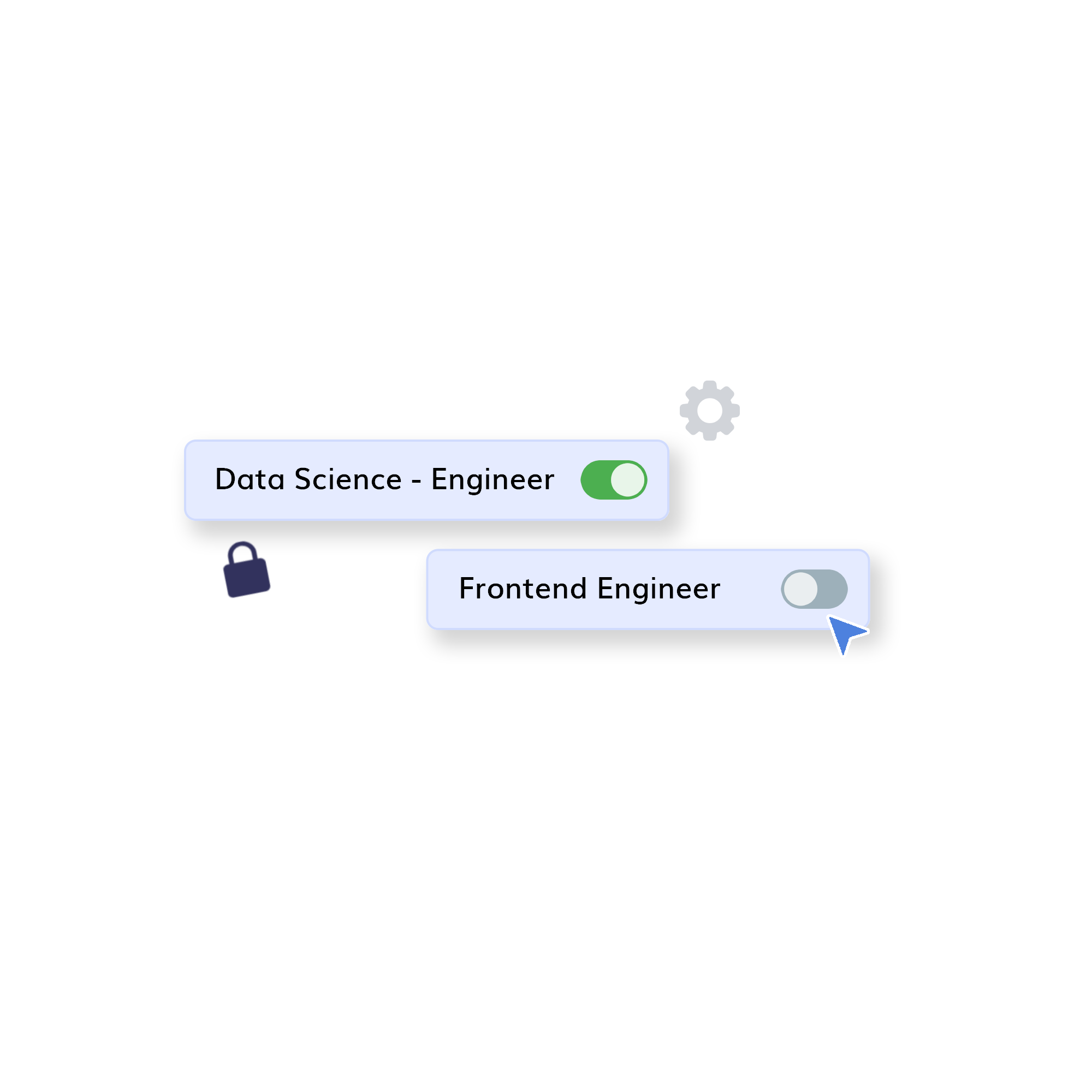
Turn AI Assist on for all of your team's interviews, or let your team members decide at each interview. AI Assist is off by default, so you stay in control of when and where it is used.
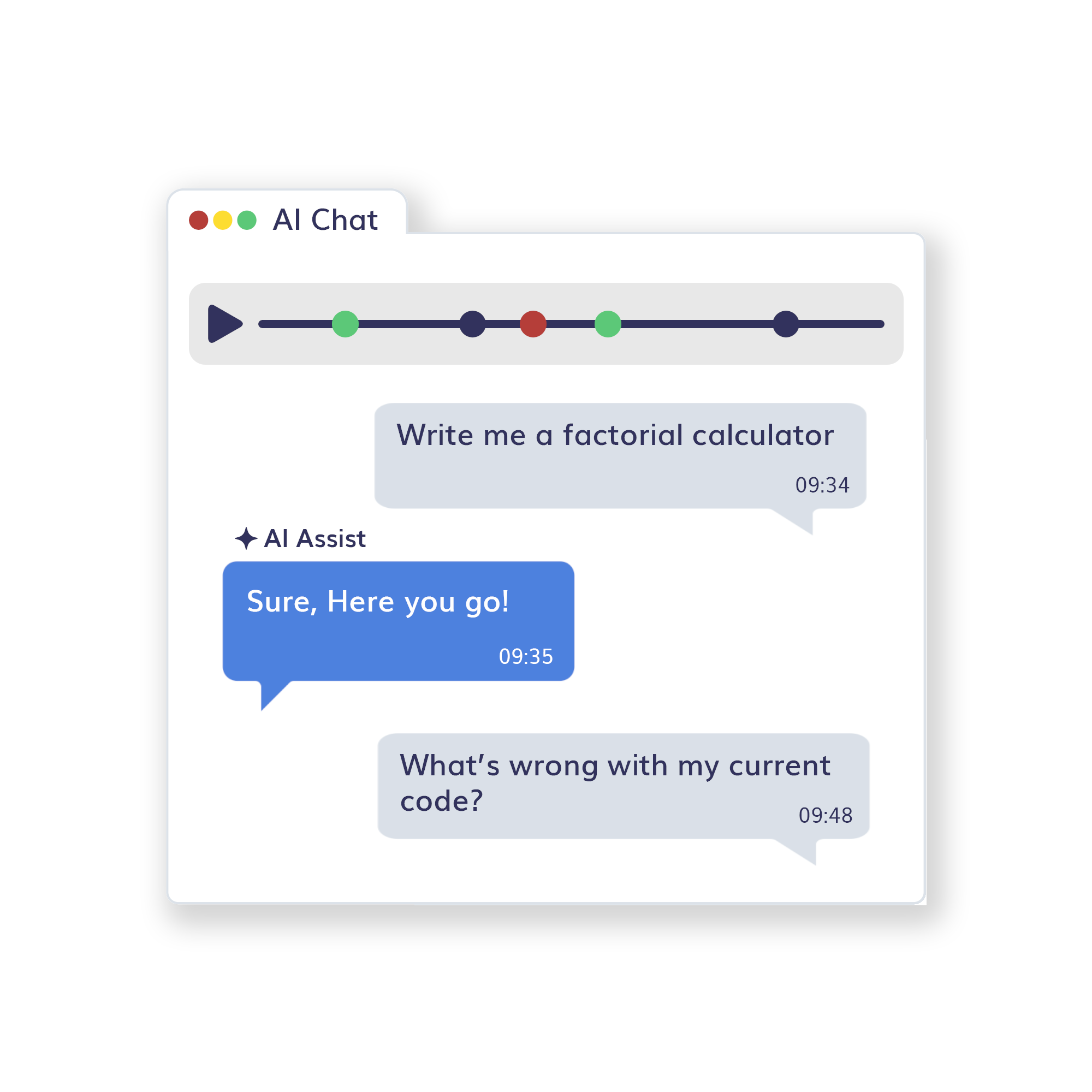
Every AI prompt and response is saved in Playback, so you can review how the candidate used AI alongside the code, notes, and interview recording.
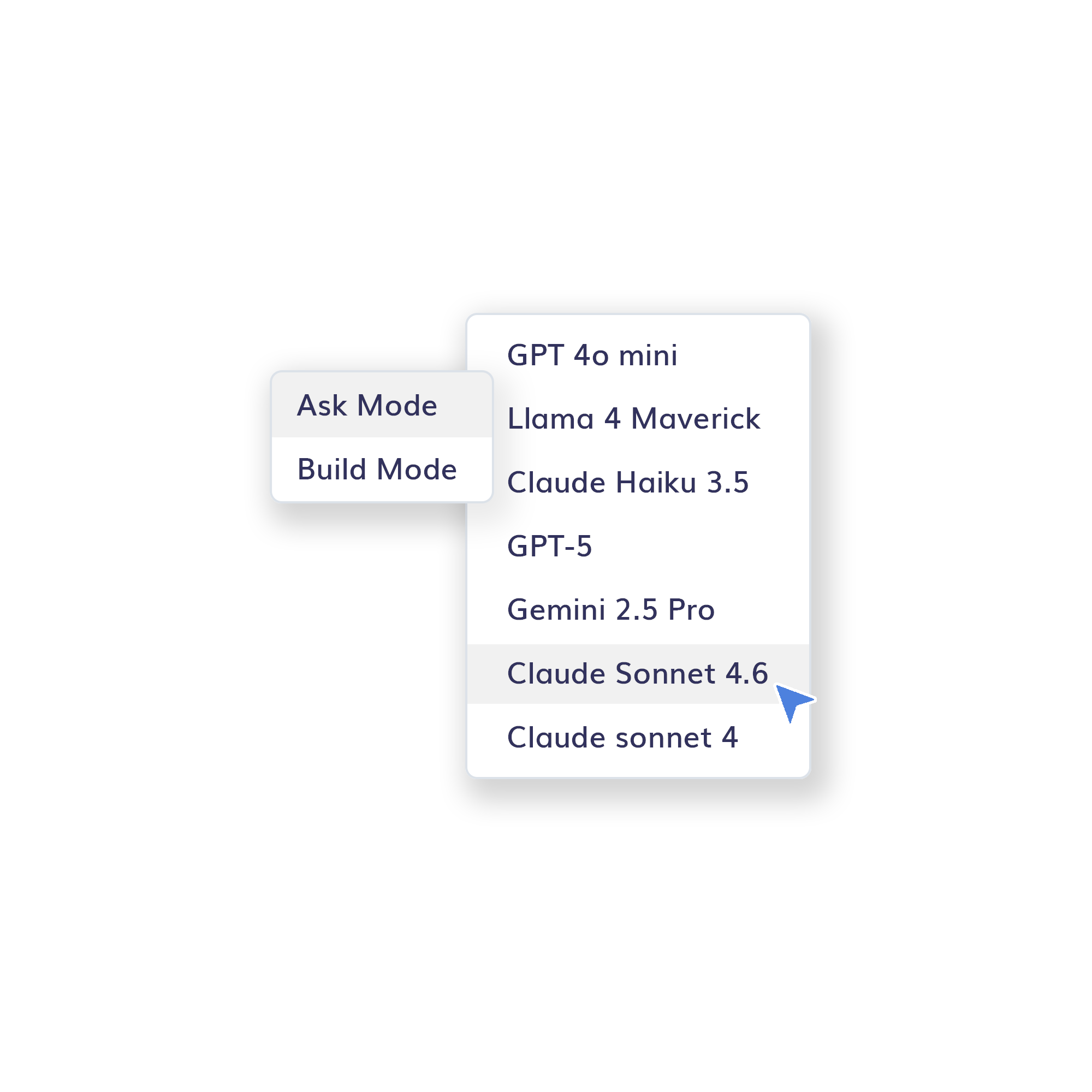
Use Ask mode for explaining project structure and suggesting changes, and Build mode to modify code and execute implementation plans. Choose between GPT-4o mini, Llama 4 Maverick, Claude Haiku 3.5, GPT-5, Gemini 2.5 Pro, Claude Sonnet 4.6, and Claude Sonnet 4.

Go back in time and instantly replay any past interview. CodeInterview records every keystroke including code output.

Save frequently asked questions as code templates and load them easily during the interview.

Use a virtual whiteboard to illustrate problems and solutions when briefing candidates and reviewing their work.

Have calls with HD video alongside the code editor so you can talk through problems as the candidate works.

Invite the right people from your team and reduce back-and-forth emails.

Take notes as you interview the candidate so you can review and compare later. These are only available to you and your team.
AI Assist is a collaborative AI coding agent built into the CodeInterview room. It lets candidates and interviewers use an AI coding agent during a live technical interview. Unlike hidden AI cheating, the prompts and responses are visible and can be evaluated alongside the final code.
Because AI is now part of real engineering work. Allowing AI in a transparent interview environment helps teams evaluate whether candidates can use it effectively in real-world situations — how they prompt, verify answers, debug issues, and decide what to trust.
Yes. The AI Assist prompt box is collaborative, so both the interviewer and the candidate can see prompts in real time. This makes it easier for the interviewer to evaluate the candidate's AI usage skills during the interview.
No, AI Assist is disabled by default. When disabled, candidates do not see the AI Assist tab, and interviewers see it with a lock icon. Team Owners can enable it as a default for all future team interviews from the Interview Room settings, and any team member can enable it for a specific live interview.
Yes. Interviewers can turn AI Assist on for a specific session, and it can even be enabled midway through an interview. Team Owners also have the option to enable it for all future interviews.
Ask mode is for explanations, project-structure guidance, debugging ideas, and suggested changes without directly modifying code. Build mode lets the AI agent modify code and execute implementation plans, and is currently available for single-file languages.
Yes. Interviewers can review the complete AI chat history anytime in Playback by opening the AI Chat tab, just like the rest of the interview. It gives clear evidence of how the candidate used AI.
CodeInterview supports GPT-4o mini and Llama 4 Maverick by default. Additional models — including Claude Haiku 3.5, GPT-5, Gemini 2.5 Pro, Claude Sonnet 4.6, and Claude Sonnet 4 — are available on request.
It shifts the interview from hidden AI use to visible AI use. Instead of trying to detect whether a candidate secretly used AI, you make AI part of the interview and evaluate the candidate's proficiency openly — every prompt and response is visible and saved.
No credit card required, get started with a free trial or choose one of our premium plans for hiring at scale.